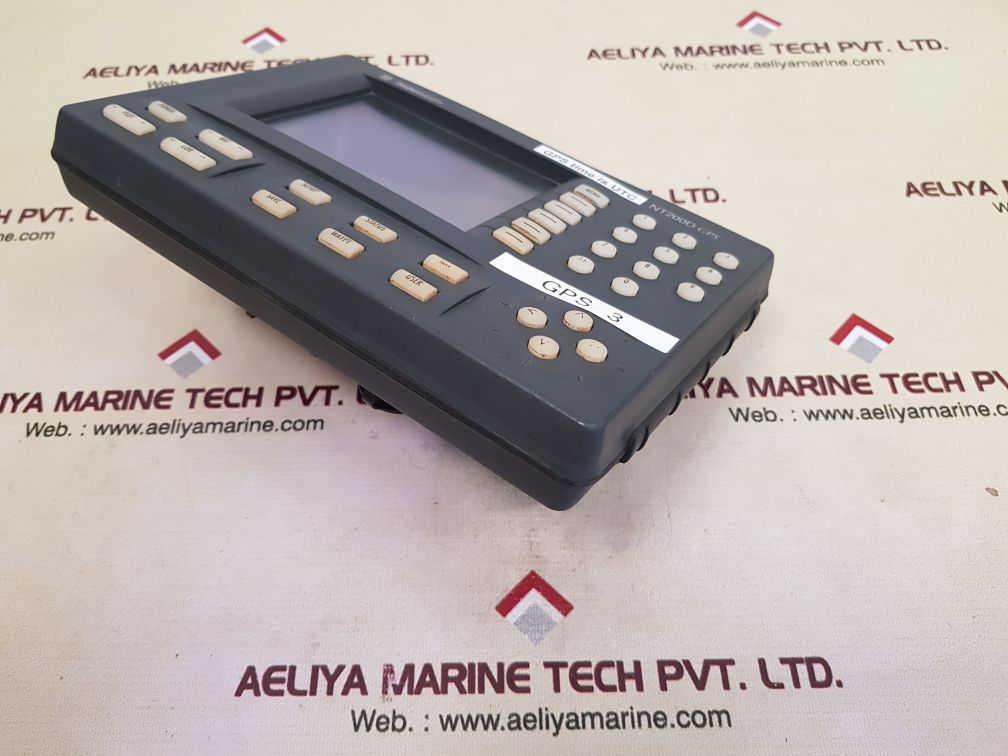
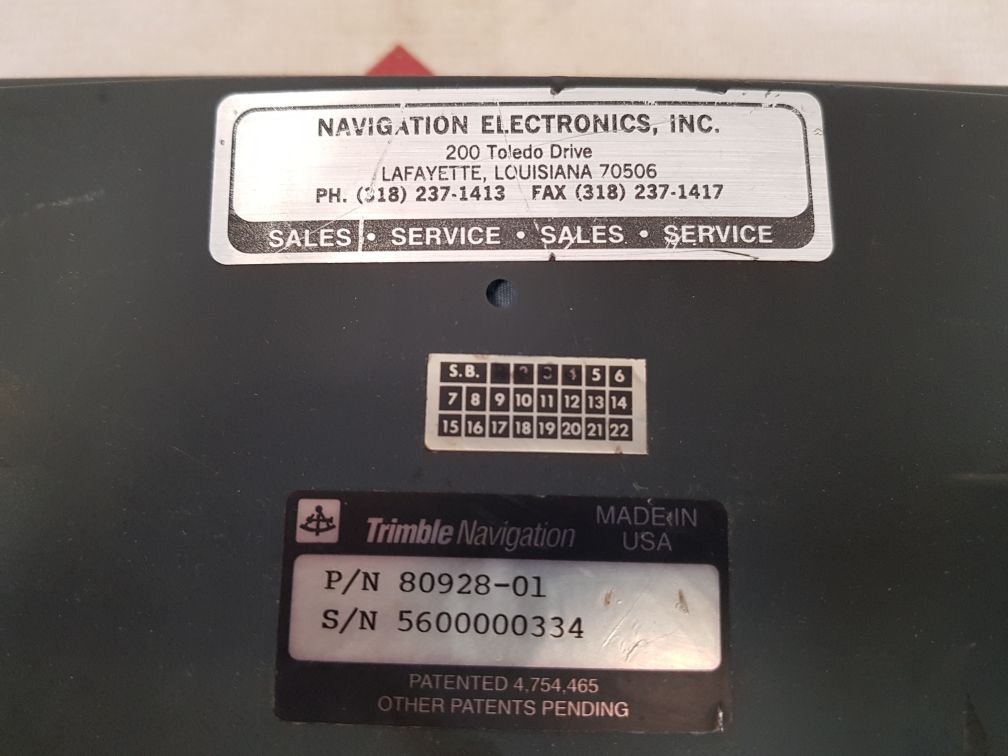
| Attribute | Value |
|---|---|
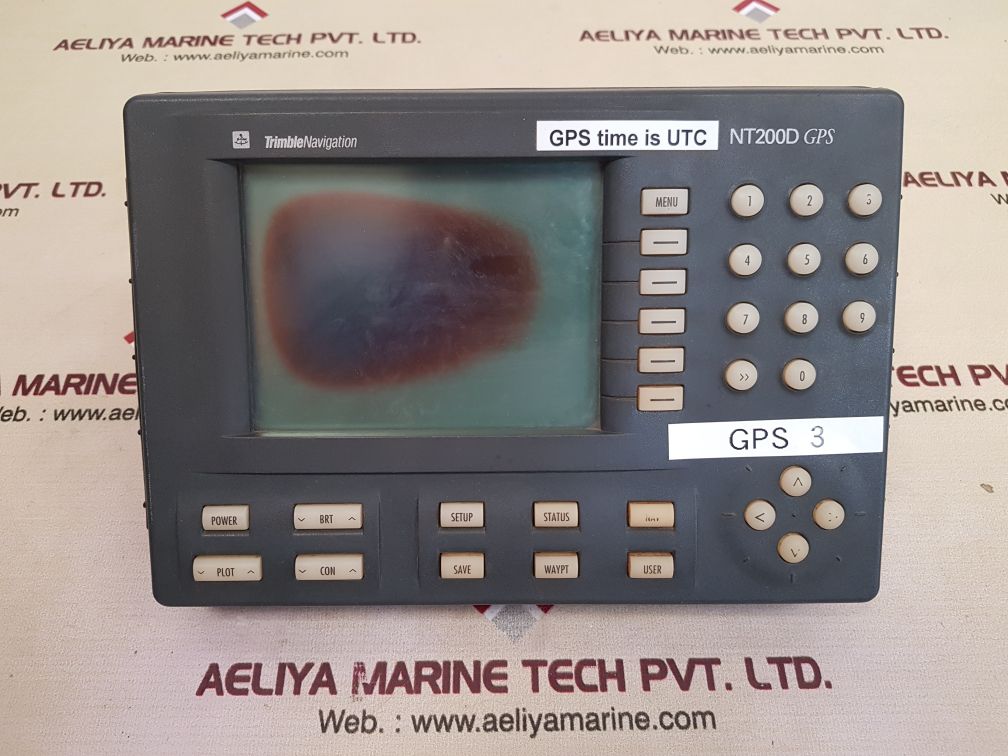
| Brand | Trimble Navigation |
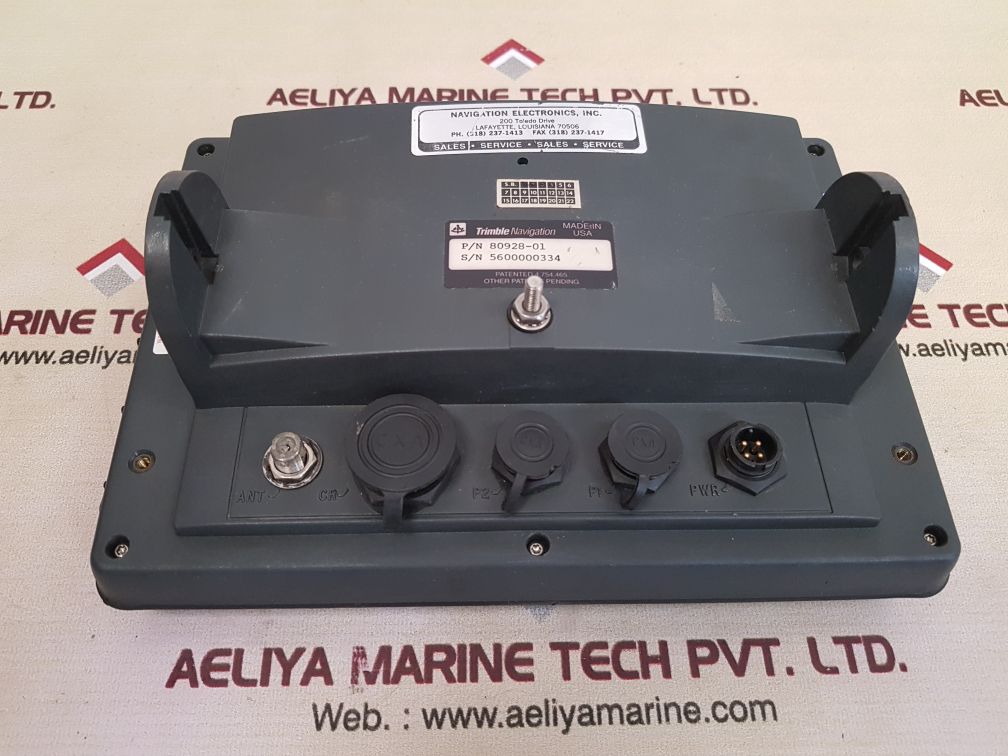
| Manufacturer | Navigation Electronics, Inc. |
| Model | NT200D GPS |
| Part Number (P/N) | 80928-01 |
| GPS Time | UTC |
| GPS Type | GPS 3 |
| Patent Number | 4,754,465 |
| Country of Manufacture | USA |
| Weight | 1.460 kg |
| Condition | Not Working |
Understanding the Trimble NT200D GPS Display
The Trimble NT200D is a dedicated GPS-only display unit. It is primarily used in agricultural, surveying, and construction applications. The Trimble NT200D is known for its accuracy and reliability, providing real-time GPS positioning for various uses. Although it is an older model, it is still found in many fleets and operations due to its durable design and compatibility with Trimble’s ecosystem of positioning solutions.
Key Features:
-
1. Power Supply Issues
One of the most common reasons for failure is a faulty power supply. If the unit does not turn on, check the following:
- Is the power cable properly connected?
- Is the power adapter functioning correctly?
- Are the internal circuits or fuses damaged?
2. Display Malfunction
If the screen remains blank or shows distorted graphics, it could indicate:
- A failed LCD panel
- Loose internal connections
- A faulty backlight or screen driver issue
3. GPS Signal Problems
A GPS display unit relies on satellite connectivity. If the unit fails to acquire a signal:
- Check if the external GPS antenna is connected properly
- Inspect for obstructions that could block the signal
- Ensure the device is in an open area with a clear view of the sky
4. Software or Firmware Issues
Outdated or corrupted firmware can cause the device to stop functioning correctly. If possible, try:
- Updating the firmware using Trimble’s official resources
- Resetting the device to factory settings
- Checking for compatibility issues with newer Trimble systems
5. Internal Hardware Failures
If none of the above solutions work, the issue might be a hardware failure, such as:
- A damaged circuit board
- Loose or broken internal connectors
- Overheating or moisture damage inside the unit